 01
01
Protection starts automatically
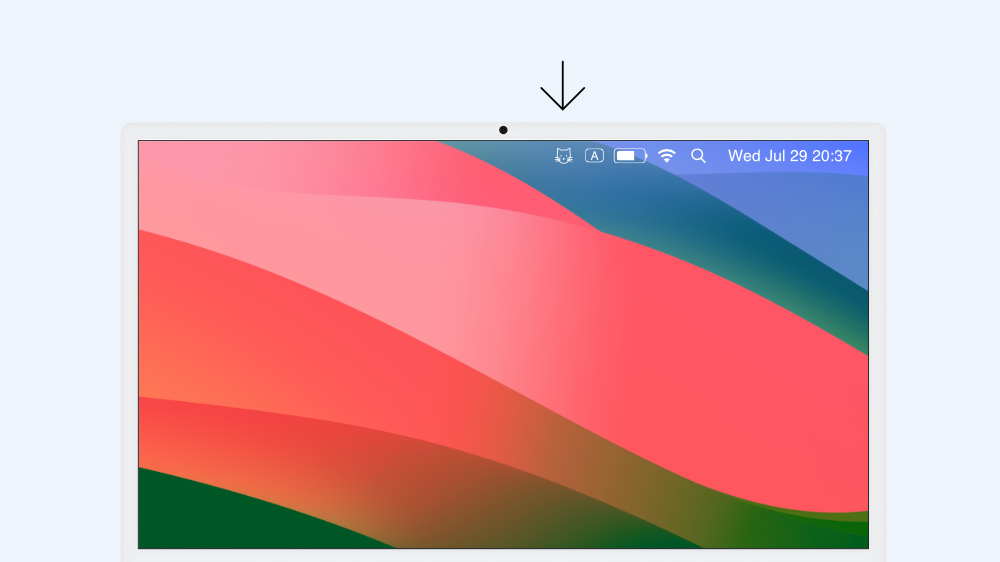
WatchCat briefly activates the camera only after your chosen keyboard and mouse idle time. The camera turns off as soon as the check is complete.

 WatchCat
Screen Guardian
WatchCat
Screen Guardian
Made for open offices
Step away without worrying about someone peeking at your screen.
WatchCat stays quietly in the menu bar and checks whether the person at your Mac is really you.
Quiet, intelligent protection
01
WatchCat briefly activates the camera only after your chosen keyboard and mouse idle time. The camera turns off as soon as the check is complete.
 02
02
A dedicated face identity model creates a feature vector on your Mac. WatchCat recognizes you and starts the screen saver when the person is not you.
 03
03
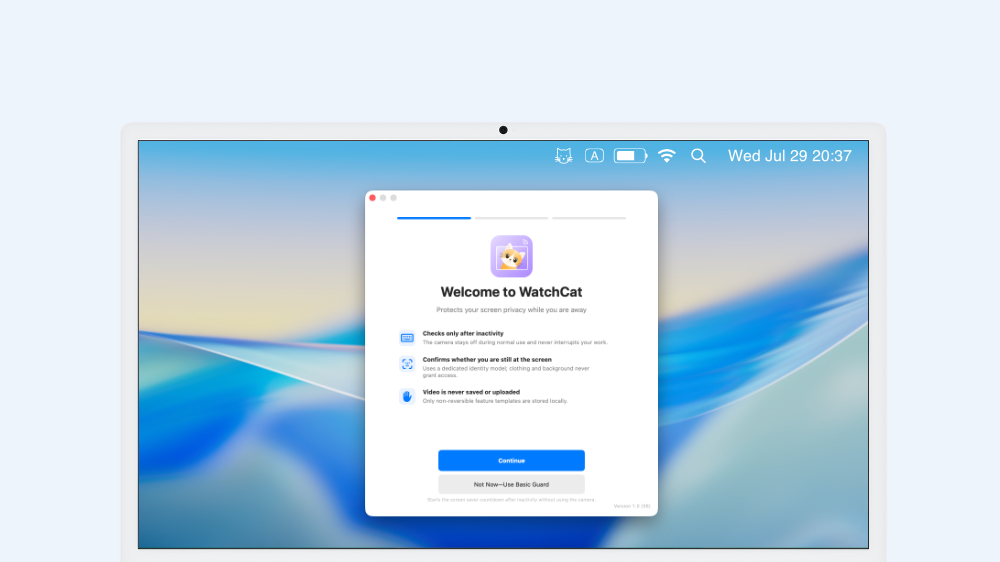
A clear welcome flow helps you finish setup the first time you open WatchCat, so protection can begin quietly in the background.
 04
04
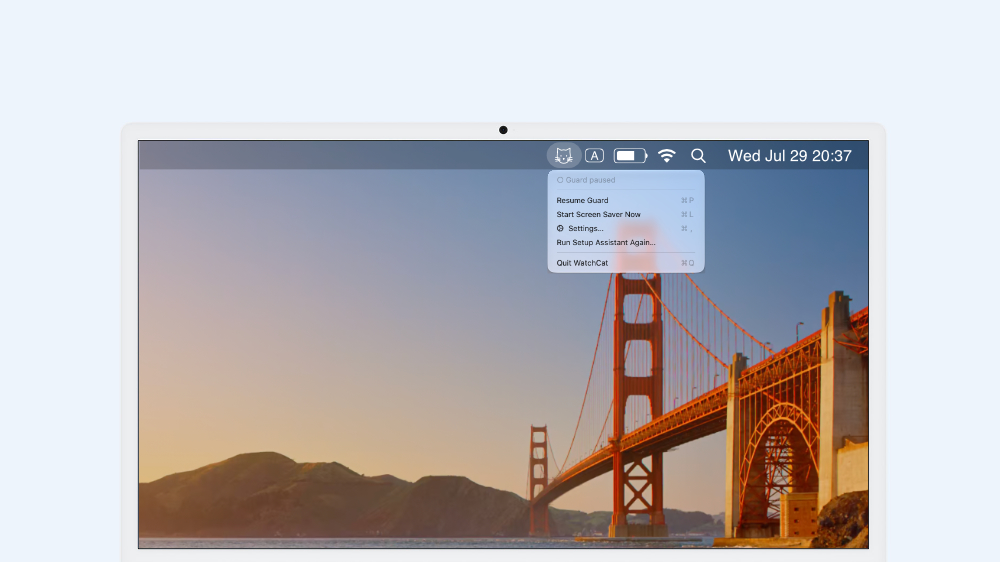
Turn off protection to pause all checks. Your face data and settings remain on the Mac, ready when you turn protection back on.
Modes switch automatically
No camera is used. After the idle time is reached, WatchCat starts the lock-screen countdown directly and reminds you about owner recognition next time.
After your Mac becomes idle, WatchCat checks the primary face. If it is you, the screen stays available; otherwise, the Mac locks as usual.
Image processing runs less often and each check lasts about three seconds at most. After recognizing you, WatchCat waits at least 30 minutes before checking again.
Owner recognition turns on automatically after enrollment. Delete your face data and WatchCat returns to basic protection—no manual mode switching required.
Local privacy, built into the product
Camera frames are used only for immediate face detection and identity-vector generation. WatchCat saves no original photos or videos, includes no advertising or tracking services, and never sends face features to a server.
Read the full Privacy Policy →
WatchCat is ready
WatchCat is coming to the Mac App Store.